
Steam Levels Up works out exactly how many trading card sets and how much XP you need to reach a target Steam level, then delivers those sets to your account by trade offer. Here is the whole process, start to finish.
1. Enter your current and target level
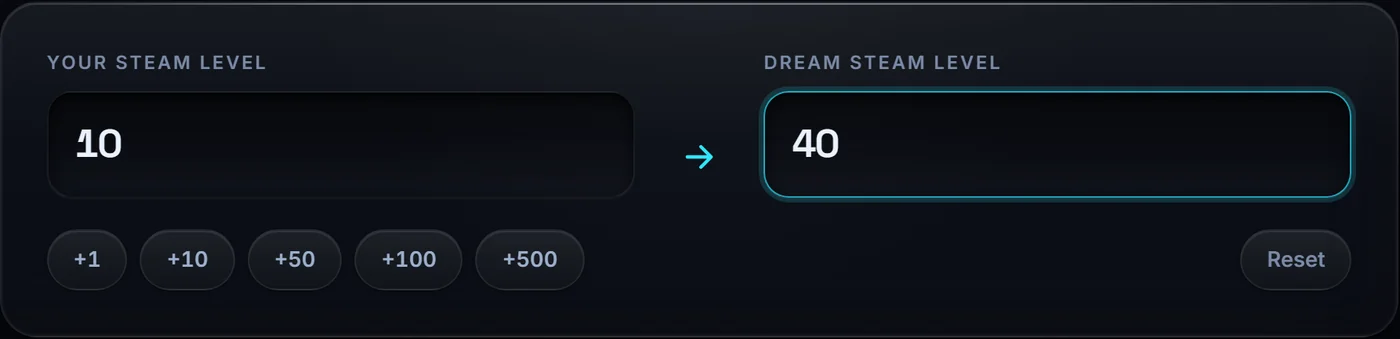
On the calculator, put your current Steam level in Your Steam level and the level you want in Dream Steam level. For example, 10 and 40. The quick buttons add 1, 10, 50, 100 or 500 at a time. The highest level we support is 5,000.
2. Read what the level unlocks
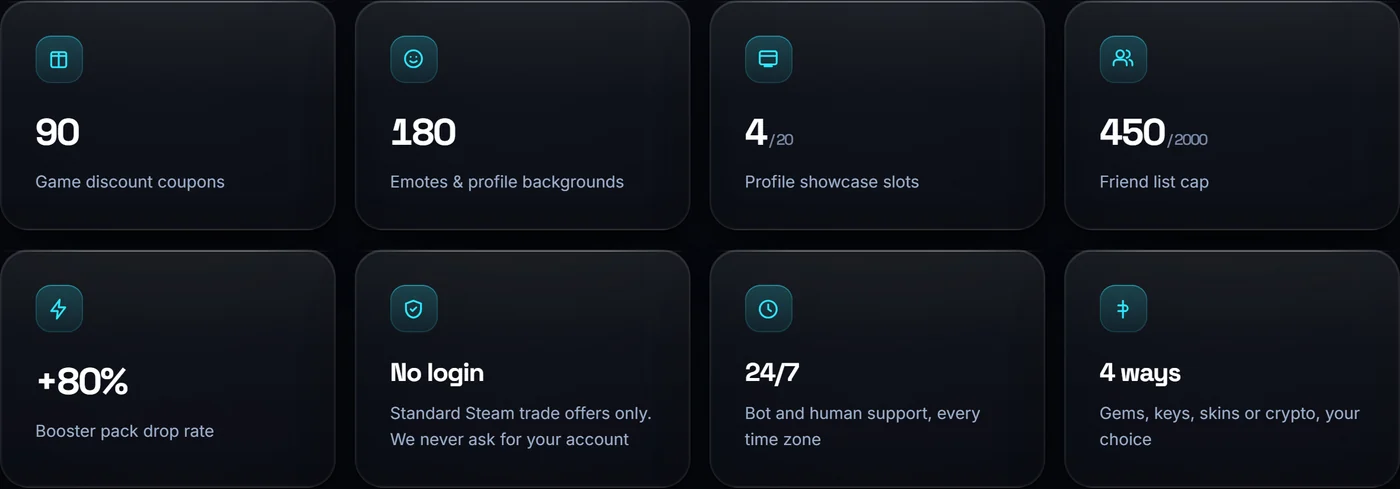
As soon as both levels are set, the page shows what you get on the way up. The higher you go, the more each of these grows.
- Game coupons. Discounts on games and in game purchases, dropped as you craft badges.
- Emotes and backgrounds. Chat emoticons and profile backgrounds to personalise your profile.
- Showcases. One extra profile showcase slot per 10 levels, up to 20, for artwork, badges, items and achievements.
- Friend cap. Five extra friend slots per level, up to the 2,000 maximum.
- Booster pack drop rate. A higher chance of booster packs dropping for games you own.
3. Pick how you want to pay
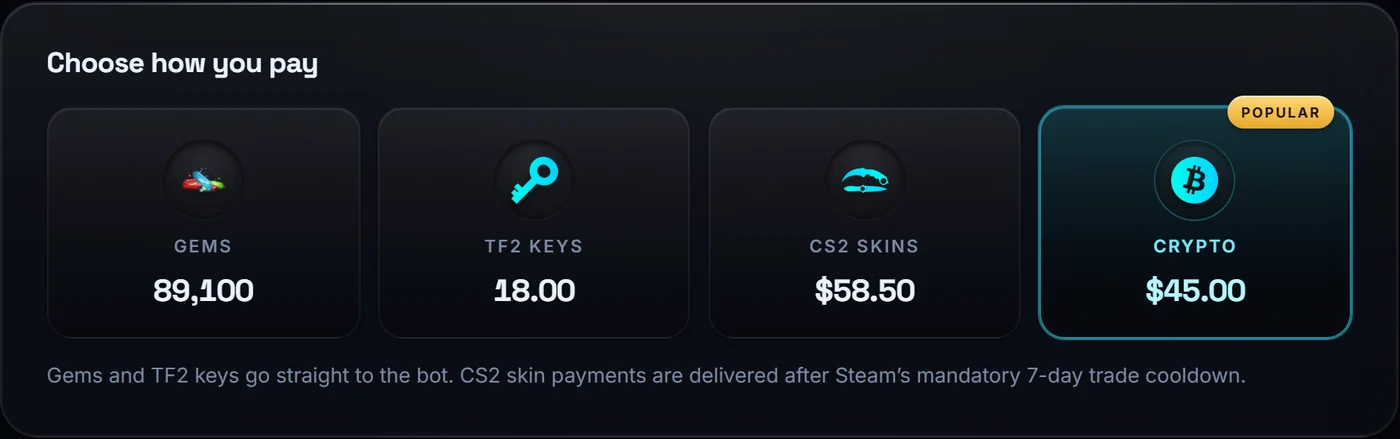
The four payment tiles are priced live for your exact order. Tap one and the headline price, the quote and the order form all switch to it.
- Steam Gems and TF2 keys, traded straight to the bot. Instant.
- CS2 skins. Also fine, but Steam holds skins for 7 days after a trade, so delivery follows that cooldown.
- Crypto. USDT, Binance, or any other coin. Pick Crypto on the order form and tell us the coin and network, and we will send you the matching address.
4. Send the order
The order form carries your levels over from the calculator, so the quote you saw is the quote we receive. Add your contact email and your Steam trade link, choose whether you want the bot link or want us to send the offer, and submit.
Trade hold or private inventory? Neither stops an order. Tick the box on the form and we will run a small test trade first, so you can verify us and we can confirm your account is ready before the full deal.
5. Craft your badges
The sets land in your Steam inventory as ordinary trading cards. Craft the badges yourself, exactly as you would with cards bought on the Community Market, and your level climbs as the coupons, emotes and backgrounds drop.
Need a hand?
Support runs 24 hours a day. The fastest routes are NavidArtworks on Steam, Discord (navidartworks) or Support@SteamLevelsUp.com. There is also live chat in the corner of every page.